For teachers
Tools for your whole class.
Turn your worksheets into digital activities, share Patina's English class materials, run live classroom tools, and assign citizenship practice your students can do on any phone. Free, with no accounts to manage.
Featured classroom tools
The three tools teachers open most. Each one runs in a browser tab, with nothing to install and no student accounts.
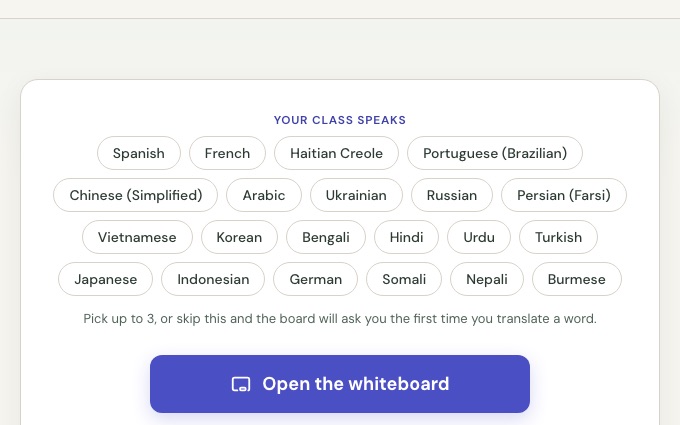
Translanguaging Whiteboard
A full-screen board for your lesson. Write an English word and show it in your class's languages beside it.
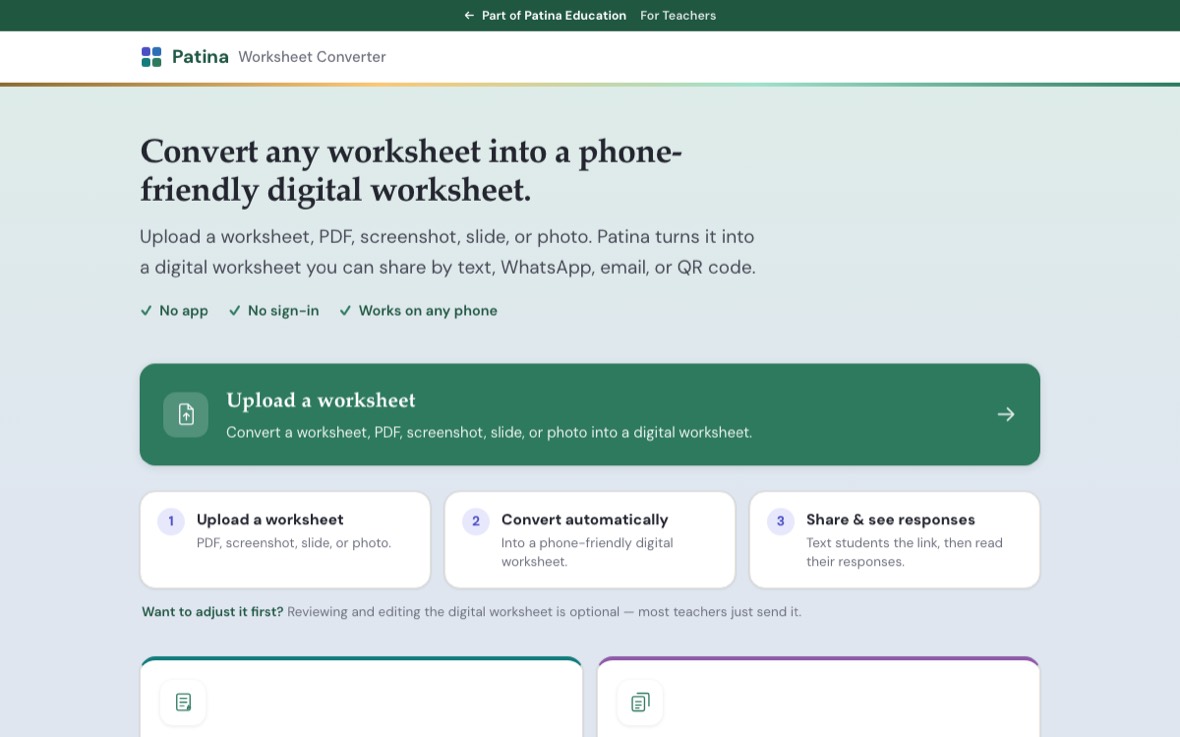
Worksheet Converter
Opens toolTurn a PDF or worksheet into an interactive web activity or a real Google Form.
Patina Video Classroom
ExperimentalA private video classroom with the Patina teaching tools in it. No time limit, no app, no student accounts.
Prepare your materials
Build what you will teach from. Start from a worksheet you already have, or open Patina's ready-made English class materials.
Opening these from here marks this device as yours and turns on Teaching mode, which adds the on-screen teaching tools. Students who open the same links never see them.
ESOL materials organized by lesson: greetings, survival English, and job applications. Grammar hunts, sentence machines, and a practice U.S. job application, each with audio and translations.
Run your class
A live activity for the room or the Zoom call. It runs on the screen you share, and students join from their phones with no accounts. The whiteboard and video classroom are above.
Run the citizenship writing test with the whole room. Your class scans one code, hears the sentence, and writes it by hand. Every answer lands on one wall you can show, with the correct sentence beside it.
Send your class one link. Students write their answers by hand on their own phones at home and click Send. You read everyone's handwriting on one page. Use the citizenship writing sentences or type your own questions.
Teach citizenship
The same pages your students use, opened with the teaching tools on.
You get the pen for annotating over a question and the text size control for a shared screen. Students who open these links never see the pen, and the size control is there for everyone.
The reading sentences from the test, one at a time, with audio and a slow replay.
Dictation the way the officer gives it. Play the sentence, then reveal the correct spelling and mark it together.
The words on the application, at three levels. The hardest level shows the real N-400 question the word comes from.
The whole interview in order, from the greeting through the reading and writing tests.
ESOL games
Games you run from the screen you share. No student devices, no accounts: the class answers out loud, on paper, or in the chat.
A whole-class writing game. Animal teams, one question at a time on a one-minute clock, and you give the points.
A whole-class directions game. A car on a city map moves only when somebody writes the direction in English.
A whole-class parts of a sentence game. The crane brings each word, the class says what part it is, and every sentence builds a floor.
Assign to your students
Every student activity works as homework, with no accounts and no setup. Share a link with your class or show a QR code in the room. When a student finishes, they send you a results card with their score.